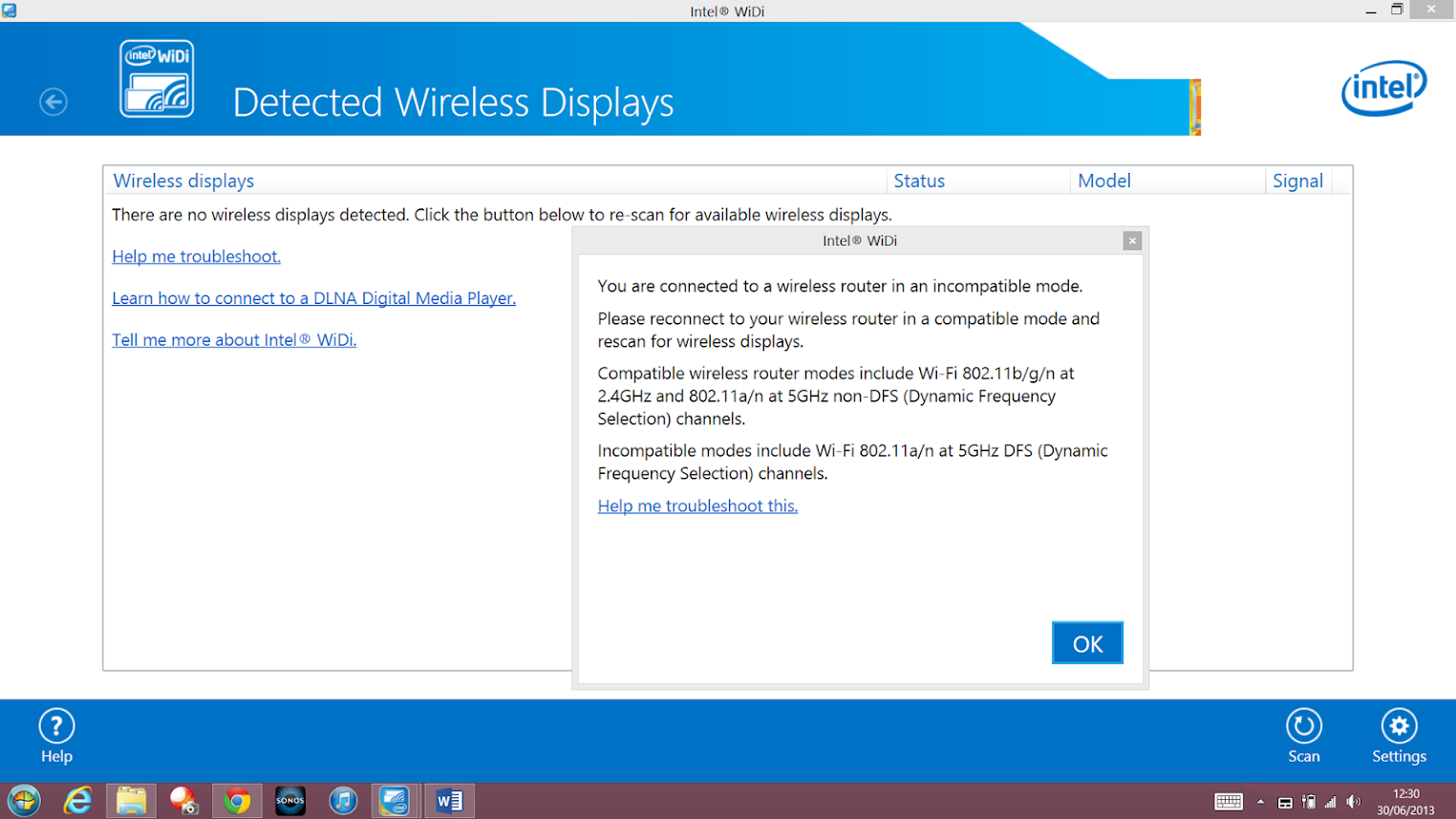
bigboss Moderator Mar 25, 2009 6,417 1,342 27,570 Jun 30, 2013 #1 The internet connection keeps dropping every few hours on my Sony Vaio Pro 13. This is solved by resetting the adapter. When I open Intel wireless, I get this message: How do I change to non-DFS mode?
The internet connection keeps dropping every few hours on my Sony Vaio Pro 13. This is solved by resetting the adapter. When I open Intel wireless, I get this message: How do I change to non-DFS mode?
bigboss Moderator Mar 25, 2009 6,417 1,342 27,570 Jun 30, 2013 #2 It's not reading properly in the pic. Basically, it says: "You are connected to a wireless router in an incompatible mode. Please reconnect your wireless router in a compatible mode and rescan for wireless displays. Compatible wireless router modes include Wi-Fi 802.11b/g/n at 2.4GHz and 802.11a/n at 5GHz non-DFS (Dynamic Frequency Selection) channels. Incompatible modes include Wi-Fi 802.11a/n at 5GHz DFS (Dynamic Frequency Selection) channels." I'm trying to connect to 5GHz channel.

It's not reading properly in the pic. Basically, it says: "You are connected to a wireless router in an incompatible mode. Please reconnect your wireless router in a compatible mode and rescan for wireless displays. Compatible wireless router modes include Wi-Fi 802.11b/g/n at 2.4GHz and 802.11a/n at 5GHz non-DFS (Dynamic Frequency Selection) channels. Incompatible modes include Wi-Fi 802.11a/n at 5GHz DFS (Dynamic Frequency Selection) channels." I'm trying to connect to 5GHz channel.
professorhat Well-known member Dec 28, 2007 992 22 18,895 Jun 30, 2013 #3 I'd assume this is something you need to change on your router rather than the laptop...
bigboss Moderator Mar 25, 2009 6,417 1,342 27,570 Jun 30, 2013 #4 Ok, I've set the channel to 36 instead of automatic for 5GHz. I'll check later if it has helped. :cheers:
Ok, I've set the channel to 36 instead of automatic for 5GHz. I'll check later if it has helped. :cheers: