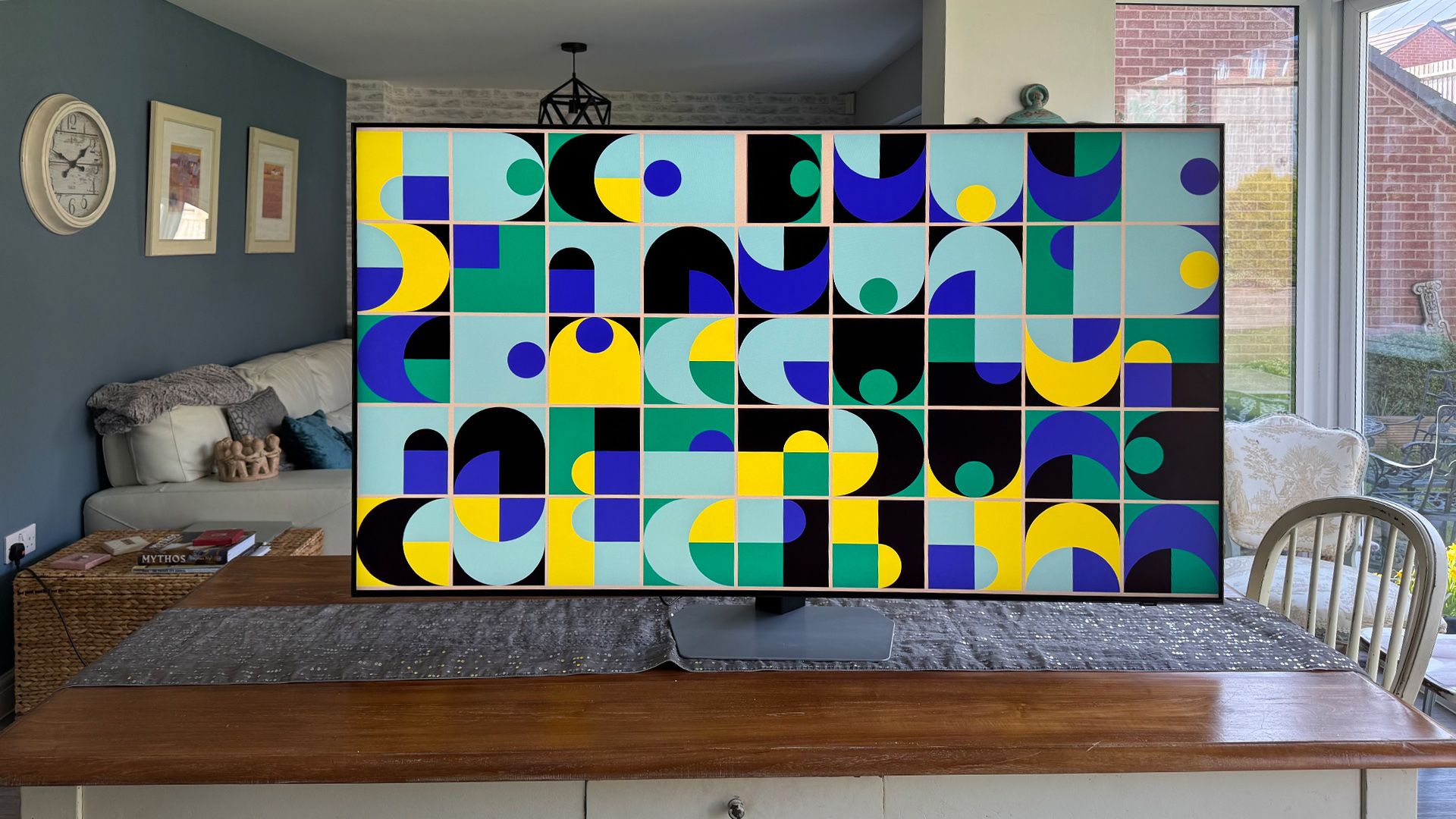
Wall mounting with the wireless One Connect - Samsung QE75QN990F

GlennM

Active member
Mar 25, 2026
4
1
25
I am looking to wallmount this and was attracted by the "wireless" one connect box.

However, the box is in two parts - both a but chunky, and one needs to be wired to the TV

Samsung tell me that they dont advise that the Part 1 of the box be wall mounted behind the TV as it needs ventilation.

Has anyone come up with a solution to this, or is the wireless basically a nonsense?

 
Thank you for this, I have seen it.

He does NOT mount the connect one Bol with the tv, dangles the cable fine. This isn’t my question.

Has anyone mounted the one connect with the tv?
 
  • Like
Reactions: Holt
Thank you for this, I have seen it.

He does NOT mount the connect one Bol with the tv, dangles the cable fine. This isn’t my question.

Has anyone mounted the one connect with the tv?
No one has that TV on here, I can’t see that it can be done from the video, that’s why I posted it. It appears to be flat and no room for the one connect box.
 
This guy asks in a different thread with different TV:

 
To be honest you are better off returning it and buying this TV:


The Samsung 8K models are a waste of money I have 2 models and wish I bought the 4K TV instead.

Review here and its glare free!


Cheaper at R/S with 20 per cent off:

 
Last edited:
Thanks for all of the above, I had sort of resigned myself to having to fit a media enclosure behind it anyway, for future proofing. Just needs to be a big 'un
 

TRENDING THREADS